Notion External Agents API: what it is, why you can't use it yet, and the MCP bridge that works today

Notion External Agents API: what it is, why you can't use it yet, and the MCP bridge that works today

Notion's External Agents API (Alpha/waitlist, May 2026) lets Claude Code, Cursor, and Codex join your workspace as OAuth participants — but the waitlist blocks you today. This tip covers what the API actually is, how it differs from Workers and Custom Agents, and walks through the working MCP bridge workaround in 5 steps (~45 min).

Notion Automation Pro Tips
2026/5/23 · 0:19
7 订阅 · 6 内容

研究速览

Plan required: Notion Business or Enterprise ($20/user/month minimum) for Workers. External Agents API plan tier is not officially documented yet. 1
Beta window: Workers run free through August 11, 2026, then approximately $0.0023 per run via Notion Credits. 1
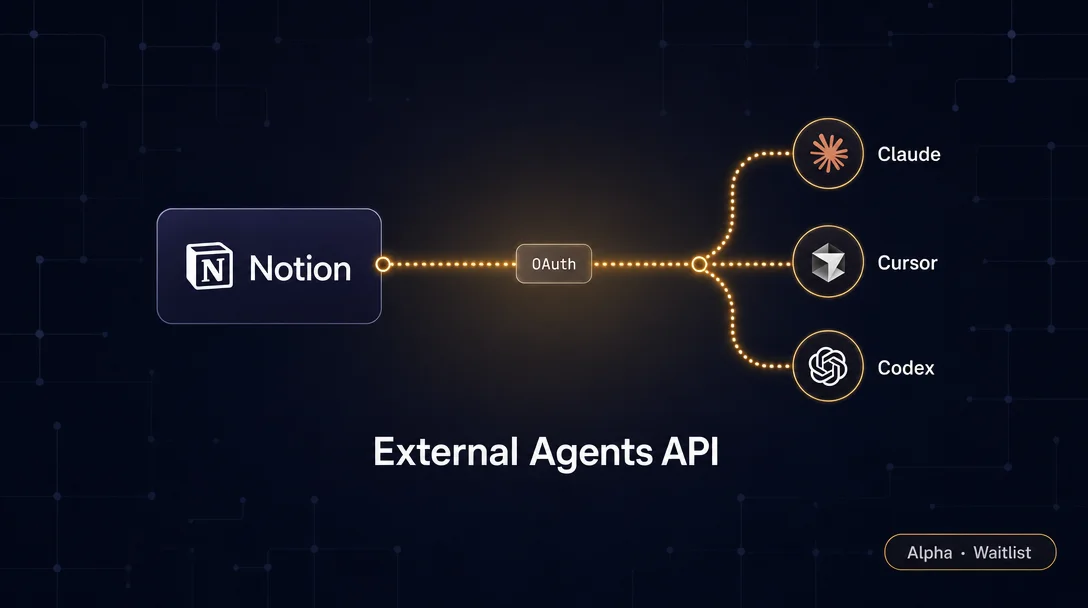
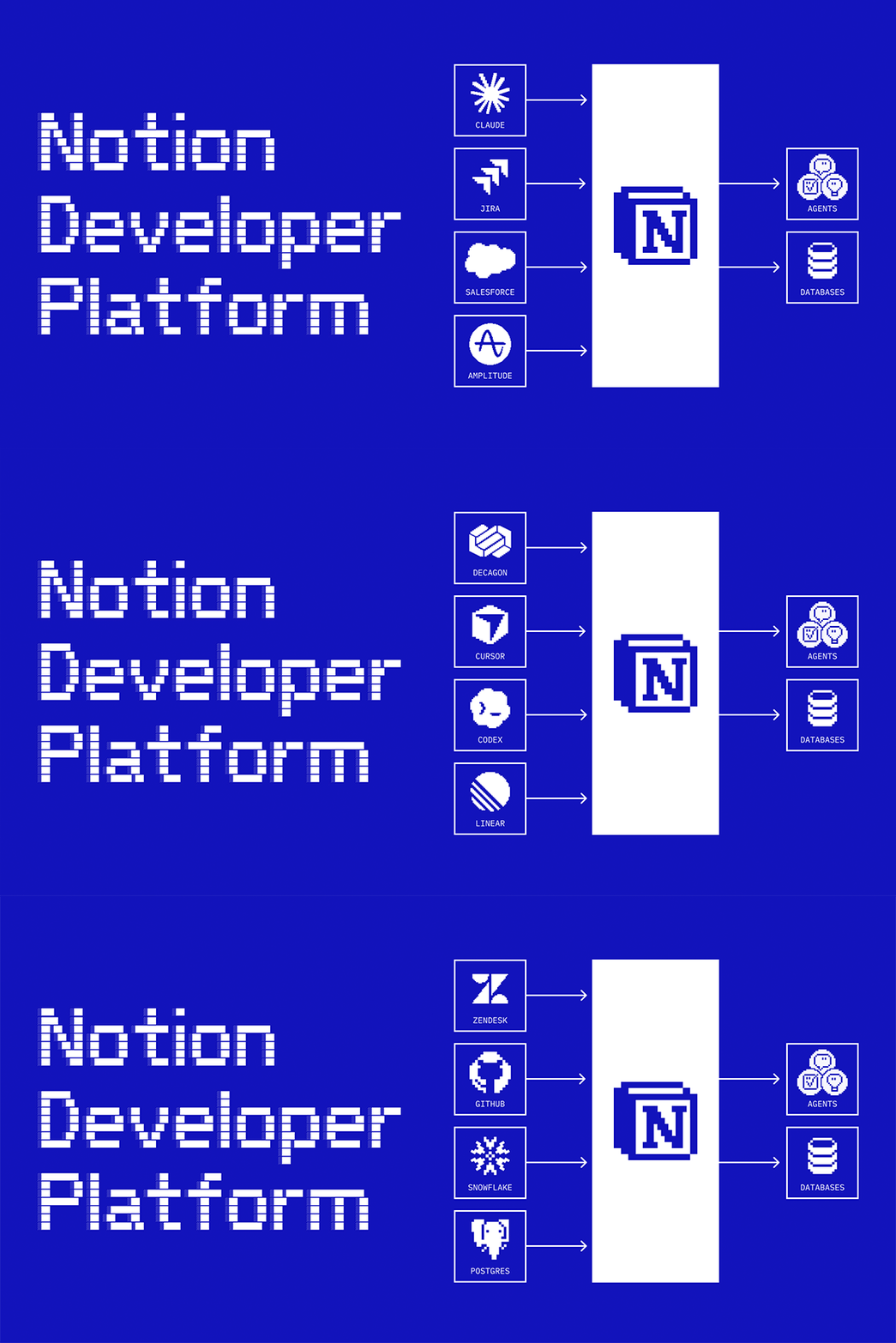
Notion's Developer Platform 3.5, released May 13, 2026, introduced a way to bring external AI agents — Claude Code, Cursor, Codex, Decagon, and others — directly into a Notion workspace as OAuth participants. 1 The promise: page-scoped, incrementally trusted agents that can read, write, and query your databases without you building the integration yourself.
Catch: the External Agents API is Alpha/Private Beta, waitlisted, no GA timeline. 1 This tip covers what the API actually is, how it differs from Workers and Custom Agents, and the Workers + MCP bridge that works today.
正在加载链接预览…

What the External Agents API actually is

The phrase "External Agents API" is marketing shorthand for a collection of capabilities that let an external AI agent participate in your workspace: 2
  • OAuth authorization flow — the agent requests access, you grant scopes at the page level, and the agent gets a token it can use to act inside Notion
  • REST API access — once authorized, the agent can call Notion's standard endpoints (databases.query, pages.create, etc.)
  • MCP server — an optional protocol layer that wraps the REST calls into named tools the agent can invoke without managing pagination, headers, or error handling itself
  • Webhook subscriptions — the agent can subscribe to events (page.created, database_item.updated, etc.) and react in real time
The ten launch partners — Claude Code, Cursor, Codex, Decagon, and others — already have the OAuth integration built in, so for them the UX is a dropdown in your workspace's Connections tab. 1 For everyone else, that OAuth flow is what the waitlist gates.

How it differs from Workers and Custom Agents

These three paradigms coexist and solve different problems:
External Agents APIWorkersCustom Agents
Where code runsOutside Notion (agent's own infra)Notion's runtime (serverless TypeScript)Notion's runtime
Auth modelOAuth, page-scopedInternal integration tokenInternal integration token
Who builds the agentYou or a partner (Claude, Cursor…)YouYou
Trigger modelAgent-initiated or webhookHTTP request, schedule, or Custom Agent tool callUser message in Notion chat
Current statusAlpha / waitlistBeta (free through Aug 11)Generally available
The key distinction: Workers and Custom Agents run inside Notion's infrastructure with tokens you manage. External Agents run outside, on whatever infra the agent (or you) controls, authorized into your workspace via OAuth. Brainlabs CEO Dan Gilbert described the appeal plainly: "Notion is our AI layer because it's where work is created or imagined — and we want our agents as close to the action as possible." 1
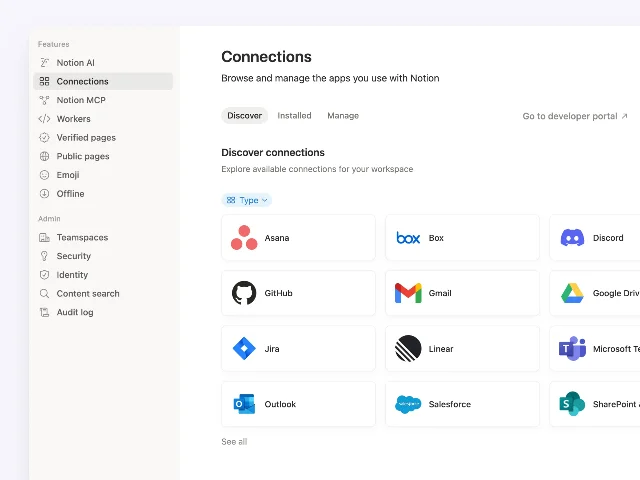
Manage all connections from one tab — the Connections UI showing partner agents and Personal Access Tokens
The Connections tab in the May 2026 Developer Platform — where External Agents, Workers connections, and Personal Access Tokens are managed from one place. 1

The workaround that works today: Workers + MCP bridge

Since the OAuth flow is waitlist-gated, the current viable path connects your local AI assistant (Claude Desktop, Cursor, VS Code + Copilot) to Notion via the official MCP server, backed by an internal integration token you create yourself. First-time setup takes about 45 minutes. 2

Prerequisites

RequirementDetailsWhere to get it
Notion planAny plan (API is free for all tiers)notion.com/pricing
Internal Integration tokenAuthenticates MCP server to your workspaceapp.notion.com/developers → Create integration
Integration capabilitiesRead Content + Update Content (minimum)Capabilities tab in integration settings
Notion CLI (ntn)Scaffolds and deploys Workerscurl -fsSL https://ntn.dev | bash
Node.js 18+Required to run the MCP servernodejs.org or nvm install 18
Target pages/databases shared with integrationWithout this, every call returns empty or 403Database → ··· → Connections → select integration

Step-by-step setup

Step 1: Create an internal integration
Go to app.notion.com/developers, click "New integration," and give it a name (e.g., claude-agent). Copy the ntn_... token — you'll need it in the next step.
Under Capabilities, enable at minimum:
  • Read content
  • Update content
  • Insert content (if you want the agent to create pages)
Step 2: Install the MCP server
npx @notionhq/notion-mcp-server
This installs the official Notion MCP server, which exposes notion_search, notion_create_page, notion_query_database, and related tools as named, callable functions — no raw REST calls required. 2
Step 3: Configure Claude Desktop (or your agent of choice)
Open ~/Library/Application Support/Claude/claude_desktop_config.json (macOS) and add:
{
  "mcpServers": {
    "notionApi": {
      "command": "npx",
      "args": ["-y", "@notionhq/notion-mcp-server"],
      "env": {
        "OPENAPI_MCP_HEADERS": "{\"Authorization\": \"Bearer ntn_YOUR_TOKEN_HERE\", \"Notion-Version\": \"2022-06-28\"}"
      }
    }
  }
}
Replace ntn_YOUR_TOKEN_HERE with the token from Step 1. Restart Claude Desktop — the Notion tools appear in the tool picker.
Step 4: Share your target databases with the integration
This is the step most people skip. 2 Open each database or page you want the agent to access, click ···Connections, and select your integration. Without this, notion_query_database returns empty results and notion_create_page returns a 403 — no error message explains why.
Step 5: Test the connection
Ask Claude: "Search my Notion workspace for anything about Q3 roadmap." A successful response includes page titles, URLs, and content snippets pulled live from your workspace. If you get nothing, verify the database connection in Step 4 first.

Making the agent reactive: webhooks

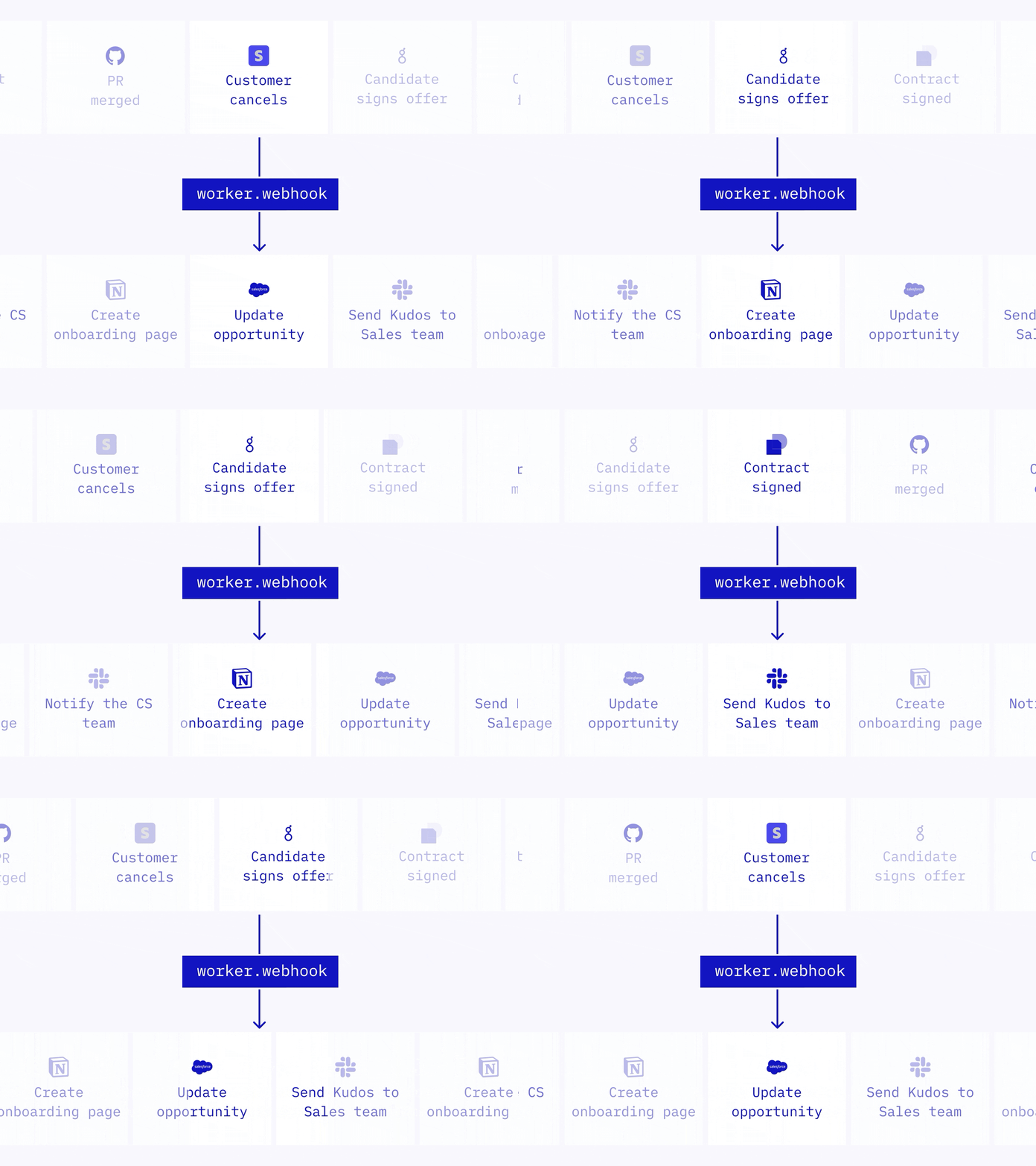
The MCP bridge is pull-based. To make Notion push events to your agent, use Notion Webhooks (Beta as of May 13, 2026). 2 Supported events: page.created, page.updated, database_item.created, database_item.updated, comment.created.
A practical PM pattern: add a row to a "content requests" database → Notion fires database_item.created → your agent fetches background context and writes it into the new row's Background field — no manual trigger.
Trigger Notion workflows from anywhere
Webhook-triggered agent loop: event in → agent reasons → write back to Notion. 1

Gotchas

External Agents API has no official developer docs yet. The Alpha announcement has no corresponding page on developers.notion.com. OAuth flow specs, scope definitions, and agent registration instructions aren't published. 1 Watch @NotionDevs for GA announcements.
Plan requirements for External Agents aren't documented. Workers require Business or Enterprise. External Agents API plan requirements aren't stated anywhere in the official release. 1 Assume Business or higher until clarified — don't build workflows that depend on it being available on Free or Plus.
The MCP bridge is not the same as OAuth agent participation. The npx @notionhq/notion-mcp-server setup gives a local AI assistant tool access via an internal token — the agent isn't a workspace member, it's a credentialed script. When External Agents API ships, OAuth agents get granular page-level trust and their actions appear in the workspace audit log under a distinct identity. The MCP workaround doesn't provide that identity separation. 2
Rate limit: 3 requests/second per integration token. Your internal integration token is shared across every tool in the MCP session. 2 If your agent chains multiple notion_query_database calls in sequence (e.g., looking up five roadmap items at once), you'll hit HTTP 429 quickly. Add retry logic with exponential backoff and handle the Retry-After header.
Pagination: list endpoints cap at 100 results. Databases with more than 100 rows need cursor-based pagination via start_cursor. The MCP server handles this internally, but Workers that call the REST API directly must implement the loop.
Workers Beta costs start August 11, 2026. Approximately $0.0023 per run via Notion Credits. 1 If you combine the MCP bridge with Workers (e.g., Worker triggers on webhook and hands off to your agent), each Worker invocation bills separately. Run ntn workers runs list now to project your post-August usage.
No community-verified demos yet. External Agents API shipped May 13, 2026 — nine days before this article. As of today, there are zero independent screenshots, videos, or tutorials from outside Notion's official materials. 1 Everything about the OAuth flow's actual UX is from Notion's own GIFs and screenshots. Treat anything beyond what's in the official release page as inference until independent verification appears.

Expected outcome

After setup, Claude Desktop (or equivalent) can search your Notion workspace, query specific databases, create pages, and update properties — all from natural-language prompts. That's the 45-minute payoff while you wait for waitlist access.
When External Agents API reaches GA, the upgrade path is a token swap: internal token out, OAuth in. Your agent gets a proper workspace identity with page-scoped trust and audit visibility. Workflow logic built on the MCP bridge now transfers directly.
Cover image: AI-generated illustration

围绕这条内容继续补充观点或上下文。

  • 登录后可发表评论。